Common questions
The important details, without the fine-print maze.
Clear answers about Free and Pro, browser alerts, customer privacy, workflow reporting, and data ownership.
What is included in Free, and when do I need Pro?
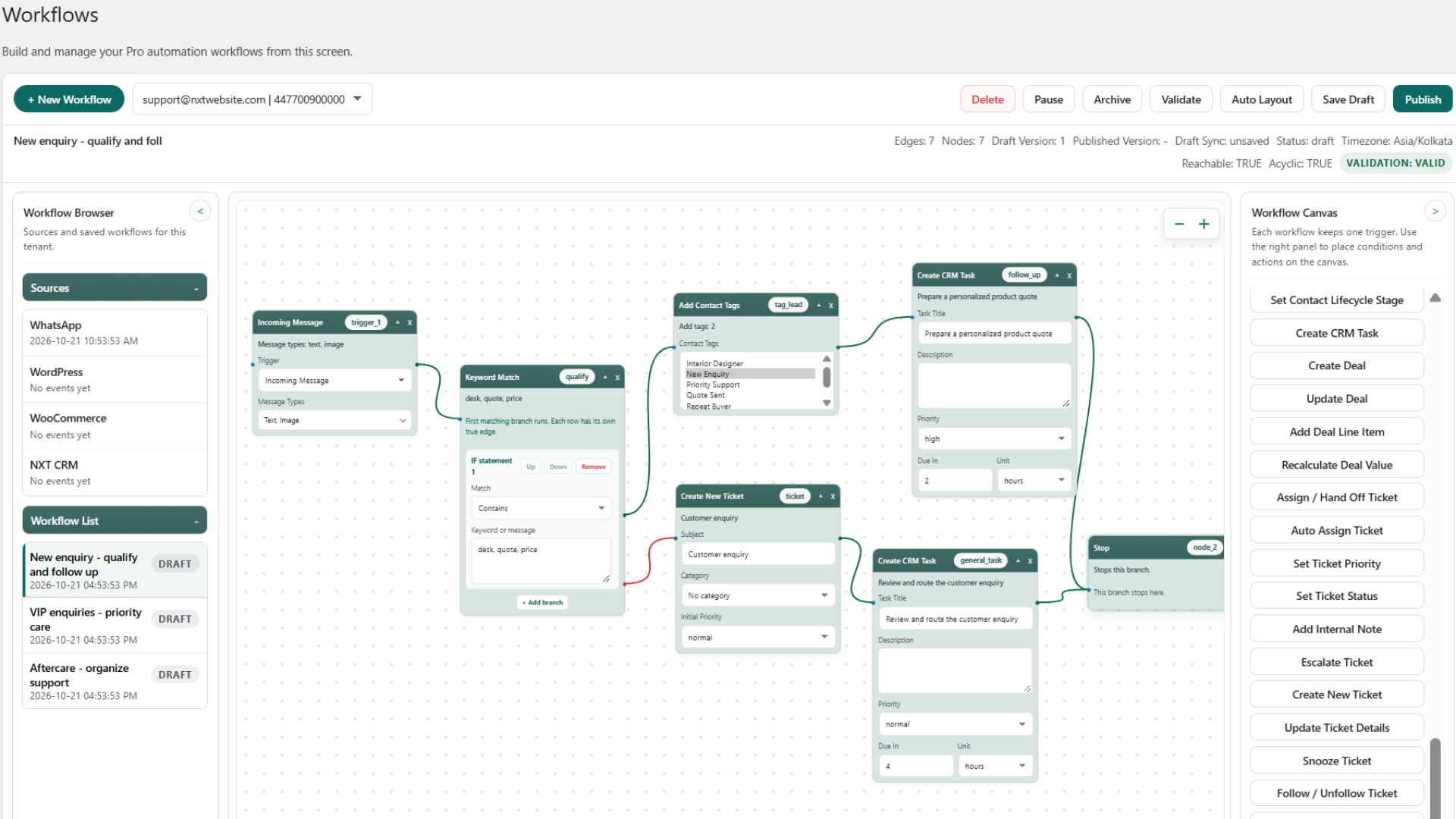
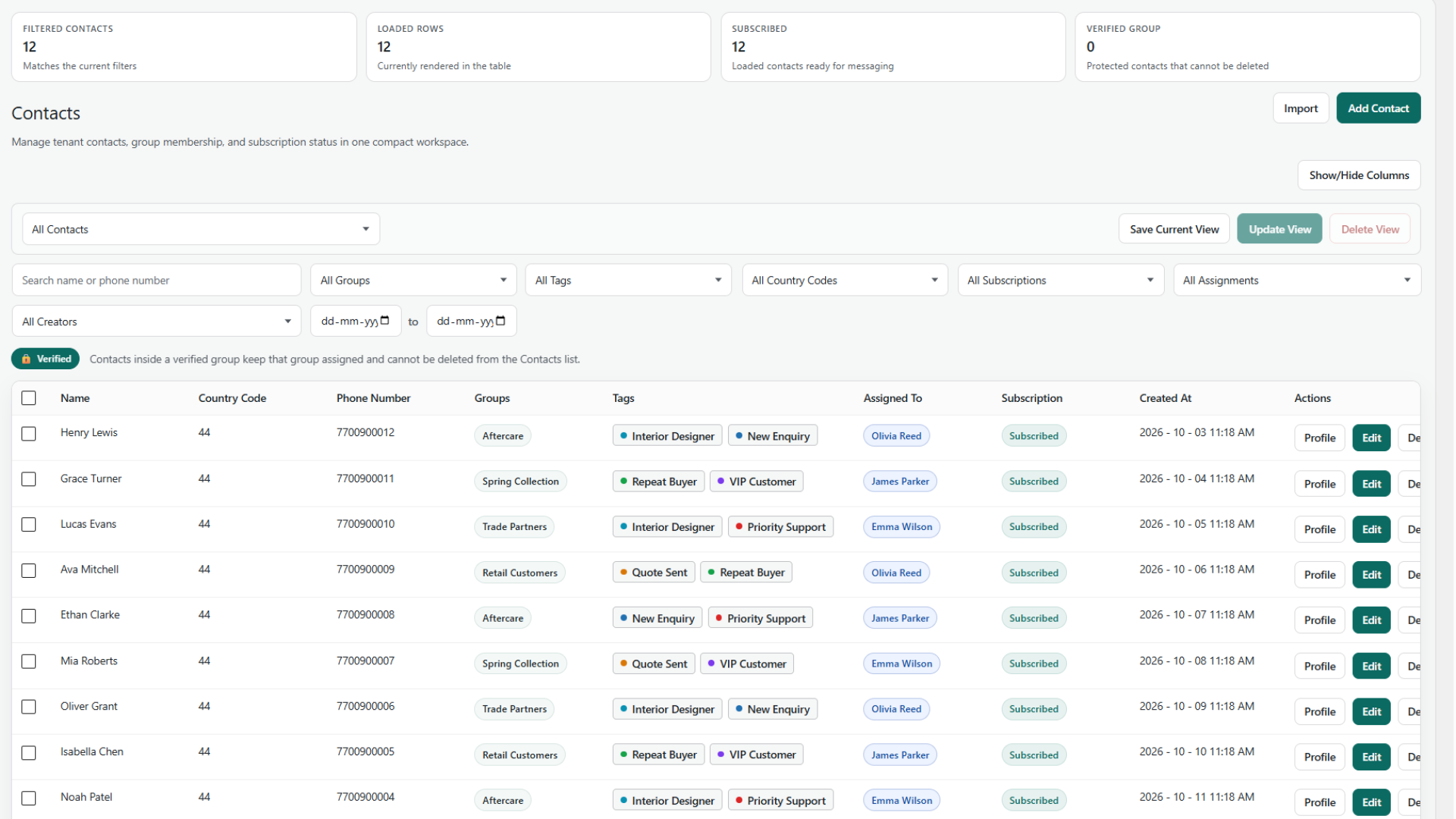
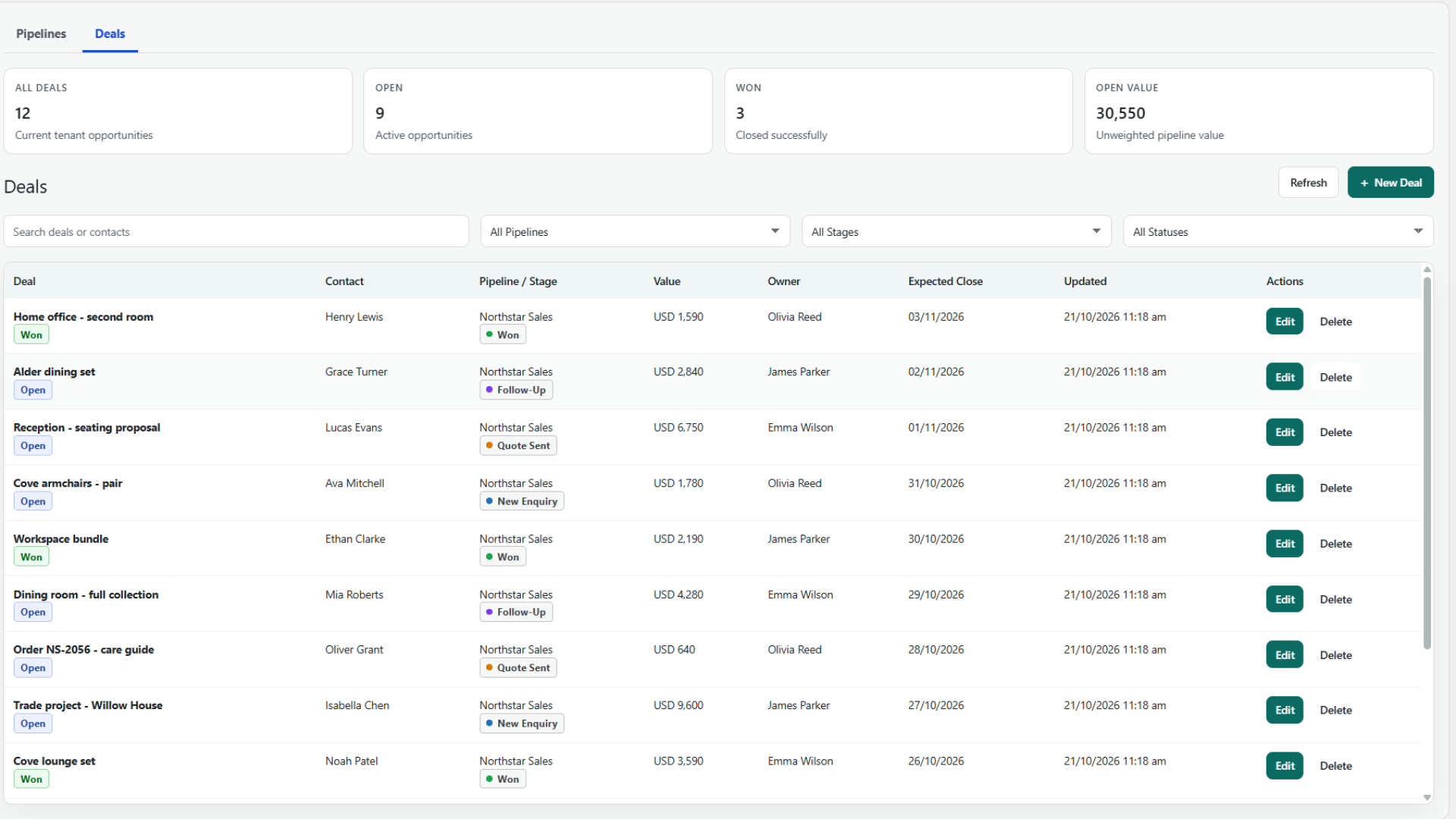
Free includes the inbox, tickets, contacts, groups, tags, tasks, lifecycle, deals, pipelines, team permissions, history, OTP login, and optional browser alerts. Pro requires Free plus an active commercial license and adds templates, broadcasts, Dynamic Segments, workflows, WooCommerce automation, recovery, and advanced reports. Licensed Pro updates use the normal WordPress Plugins update flow.
Can I use only WhatsApp OTP login?
Yes. Configure the Meta connection and authentication settings, then add
to a page. Optional buttons are available on the WordPress login page and WooCommerce My Account. You can link verified phone numbers and sync verified users into Contacts without actively using the CRM or inbox.
Do I need my own Meta account, and do messaging charges apply?
Yes. Connect your own Meta app and WhatsApp Cloud API credentials. Meta's messaging charges, template approvals, quality rules, opt-in requirements, and platform limits apply separately. NXT Cloud Chat does not charge per WhatsApp message. Review Meta's pricing.
Do chats or workflow ticket conditions create tickets automatically?
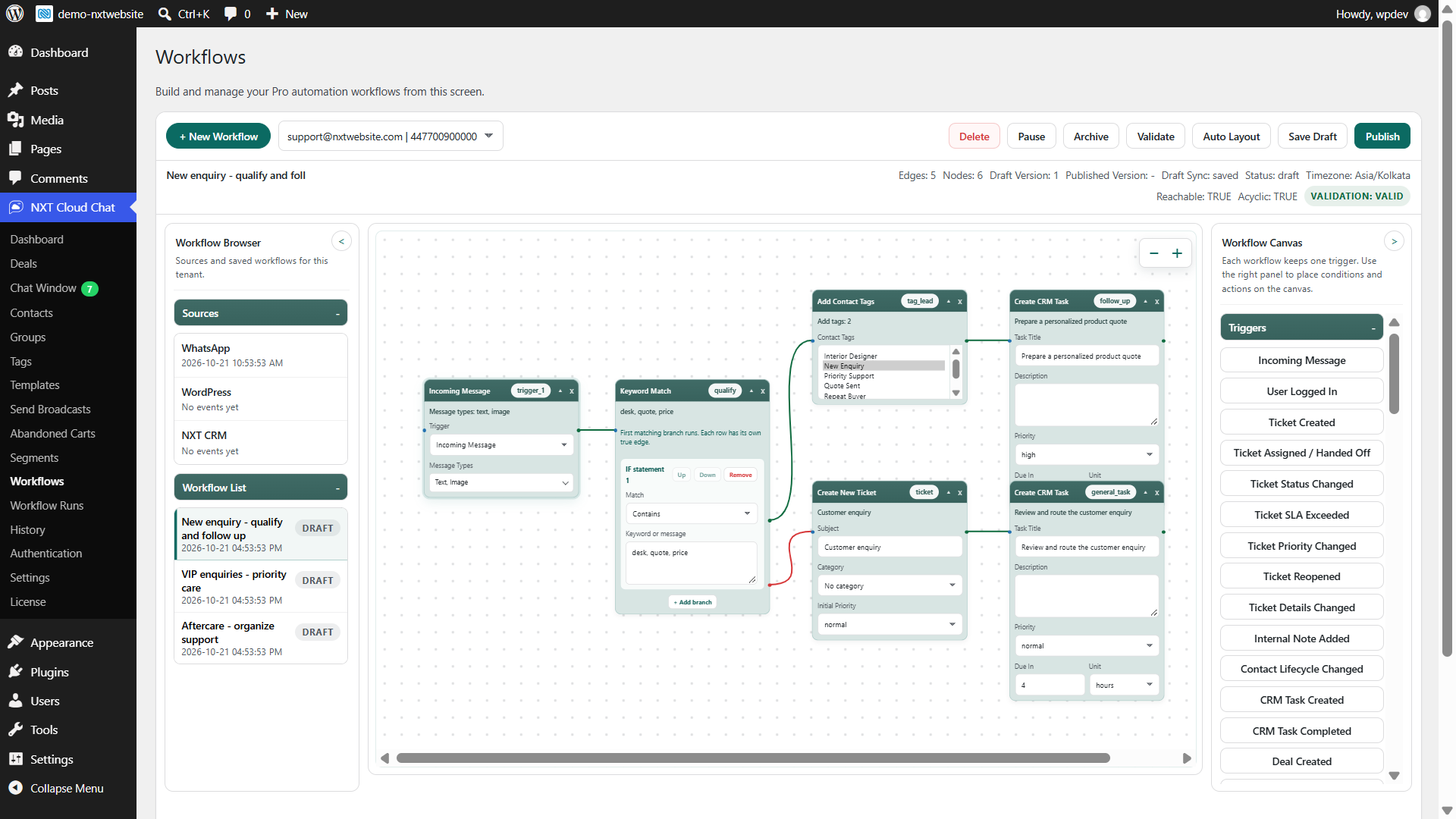
No. Create a ticket explicitly from the inbox panel or a configured Pro Create New Ticket action. Ordinary chat activity, ticket lookups, and ticket conditions do not create tickets. Pro validates ticket context before publishing; a creation action creates a separate ticket even when the contact already has an active one.
How do agent views differ from WhatsApp read receipts?
Agent views record unique WordPress users who visibly observe an incoming message in a focused chat, including first-view times. Polling, offscreen messages, and hidden tabs do not create views. These are separate from the customer's WhatsApp delivery and read receipts; shared inbox unread counts are not personal counters.
What stays private in the inbox?
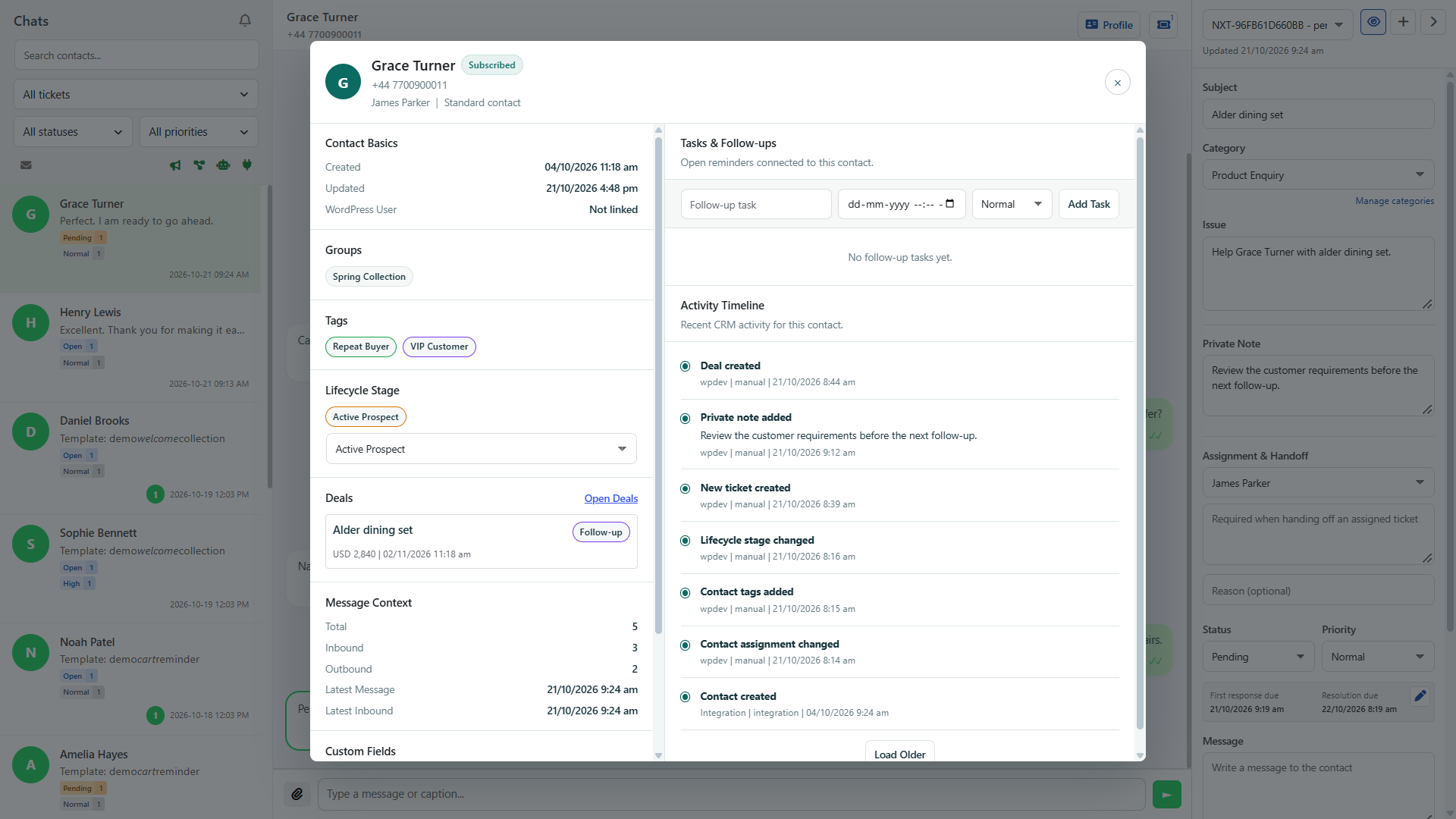
Private notes are visible only to their author while that author retains access. Handoff notes are shared with authorized handlers. Pro can mask selected new outgoing template parameters from every Chat Window user, including administrators, while customers receive the original values. Masking does not change older history or incoming customer text; workflow configuration and direct database access are outside this boundary.
What does Web Push need, and does it require Pro?
Pro is not required. Each browser must opt in and grant permission. Web Push needs HTTPS, a supported browser, working WordPress cron, cURL, mbstring, and OpenSSL P-256 support. Previews are off by default. Chrome, Edge, Firefox, and Android Chrome have been tested; Safari and iPhone/iPad Home Screen delivery remain unverified for this release. Browser/OS restrictions can delay or suppress notifications, and service acceptance does not prove display.
What happens to notifications after logout or a long delay?
Logout revokes the matching WordPress session's enrollment; other signed-in sessions remain independent. A new login must opt in again. Messages from before enrollment are not replayed, and alerts expire after five minutes. Permissions, audience, session, and unread state are checked before sending. Already submitted notifications cannot be recalled and may remain visible on the device.
Do reports count message statuses cumulatively?
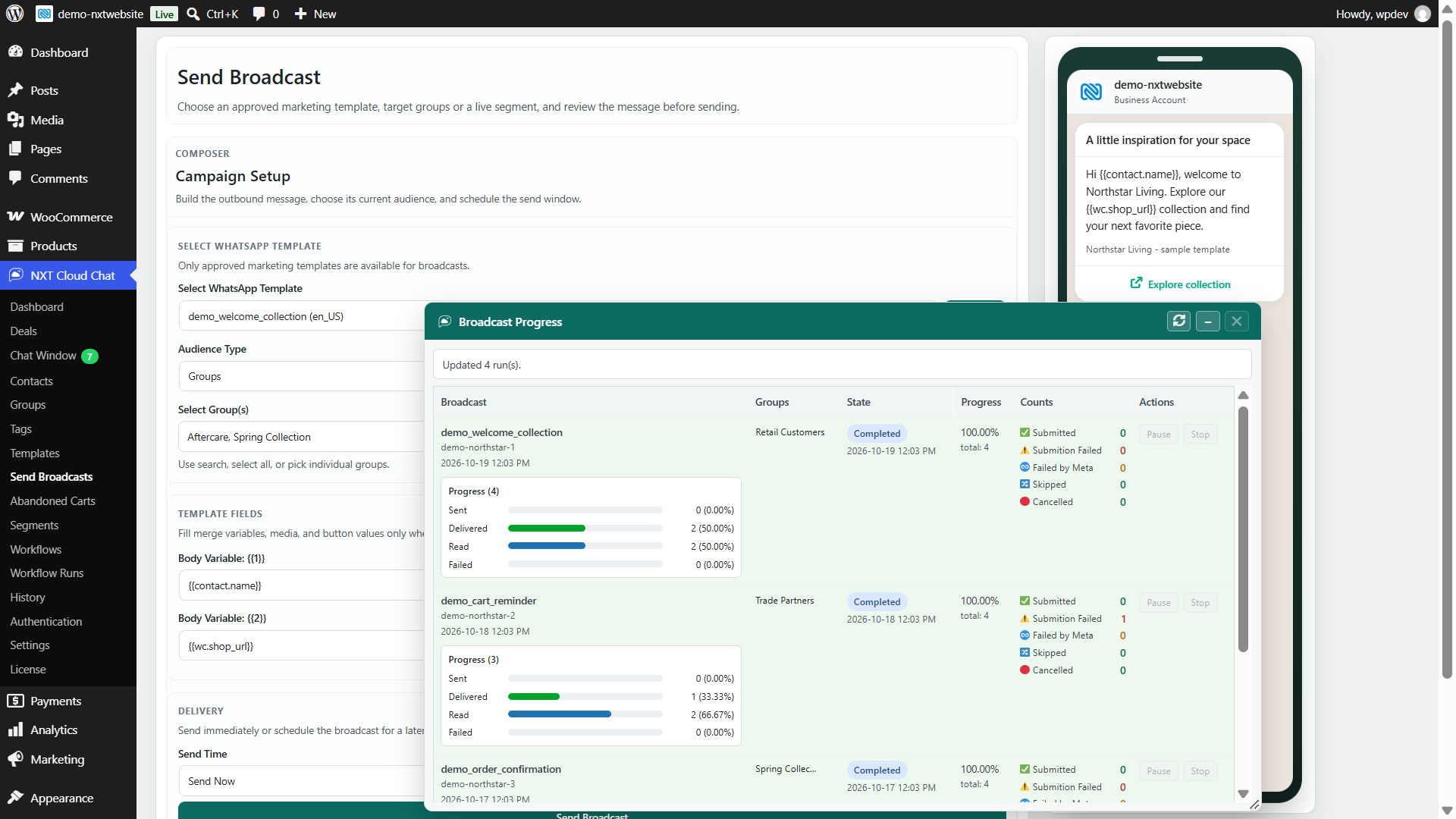
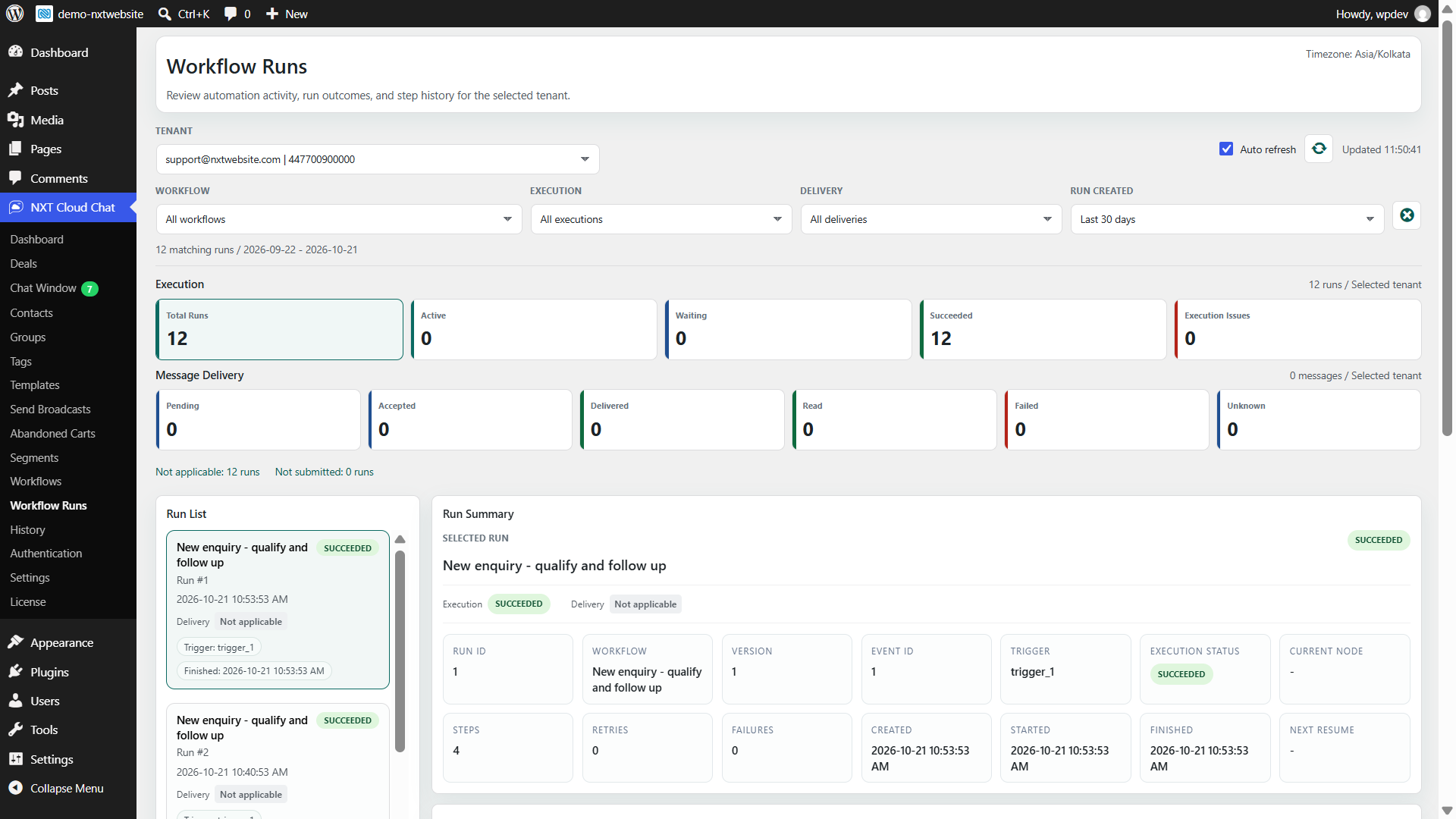
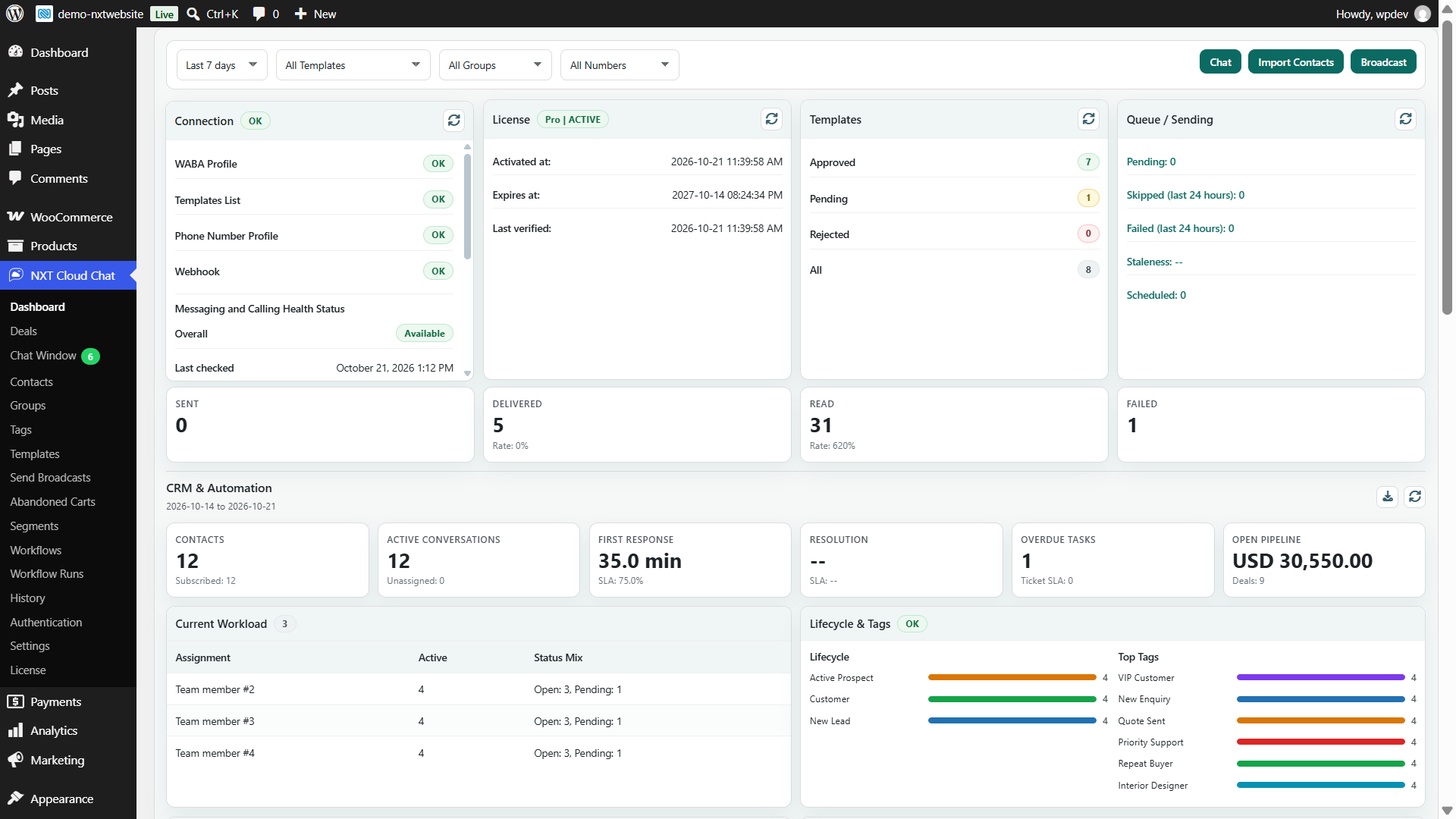
No. Message dashboard cards use independent current-status buckets: a message that moves from Sent to Delivered is counted under Delivered, not both. Reading and failures are separate outcomes. Workflow execution cards count runs, while delivery cards count messages. A successful run or an accepted message does not by itself confirm recipient delivery.
How are Dynamic Segments different from groups?
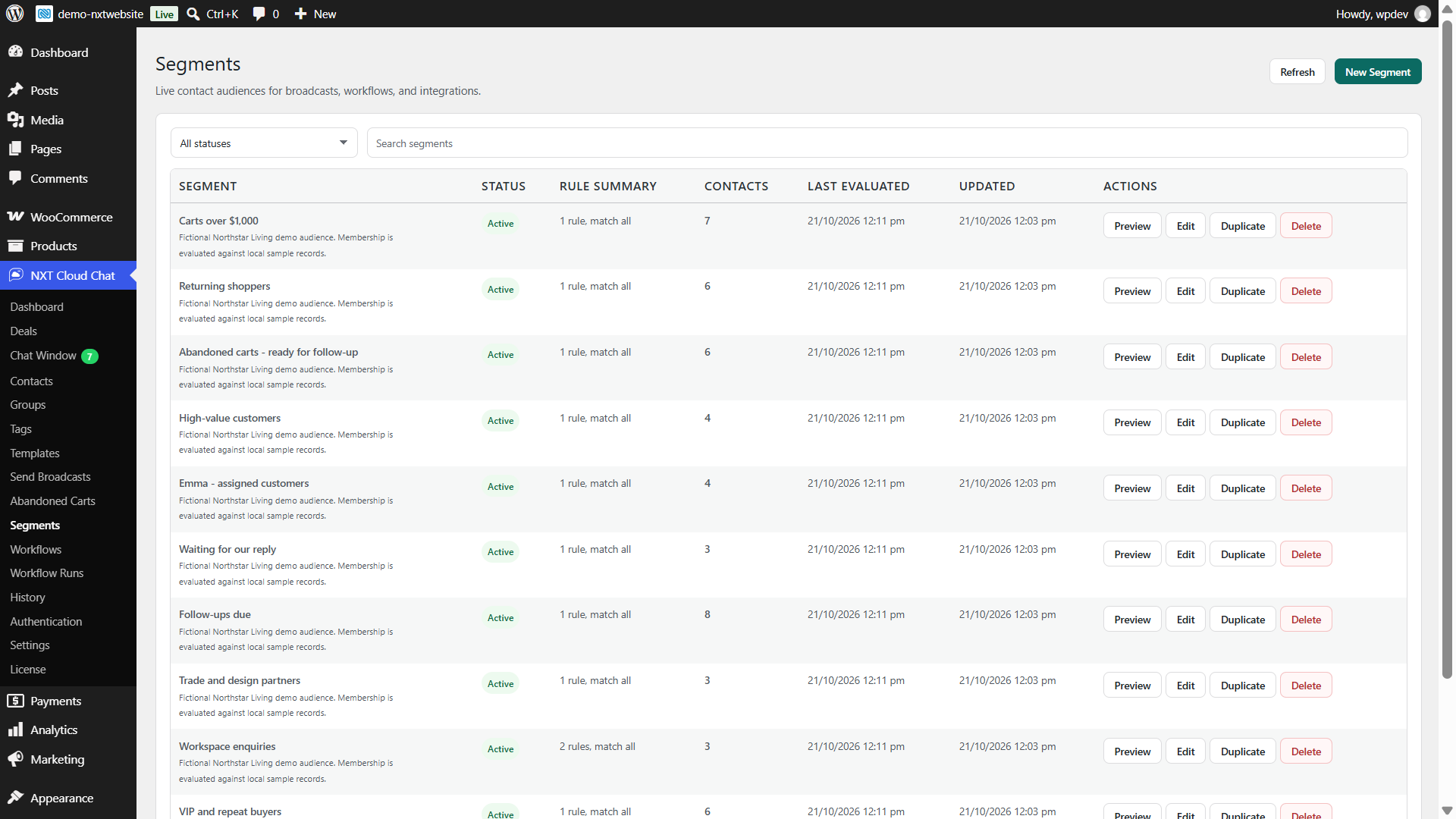
Groups store assigned contact membership. Pro Dynamic Segments evaluate live rules such as subscription, tags, lifecycle, ownership, tasks, conversations, dates, and optional WooCommerce activity. Preview audience counts, target current subscribed members in broadcasts, and check current membership in workflows.
Can this help with COD verification and cart recovery?
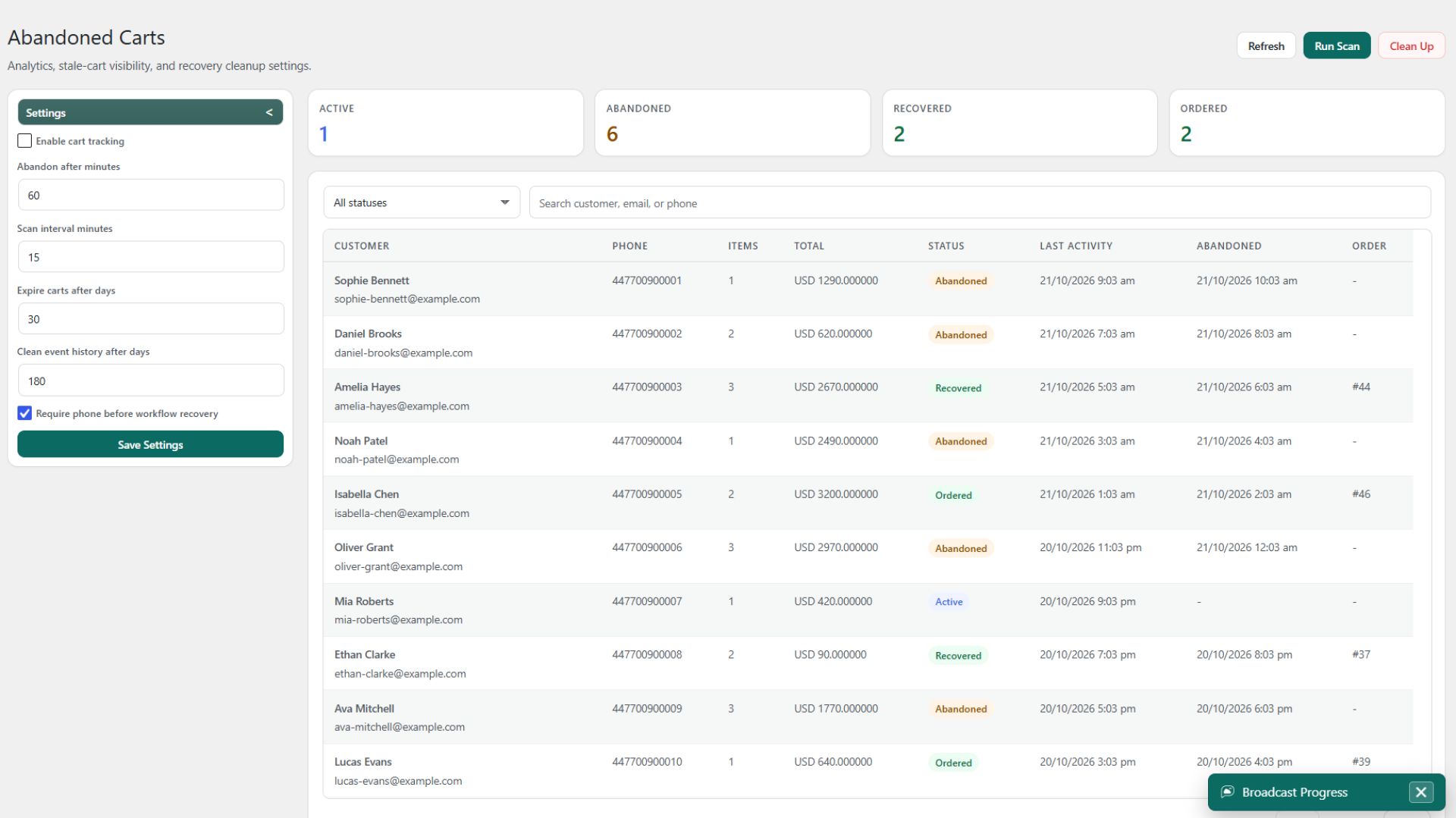
Free provides verified WhatsApp login and optional COD checkout login checks. With WooCommerce, Pro workflows can branch on payment method and current verification state, send approved confirmation/reminder templates, update registered order statuses, and create follow-up tasks. Abandoned carts have their own tracking and recovery tools. These support your process; they do not guarantee delivery, recovery, or reduced returns.
Where is data stored, and how can I remove it?
CRM and operational records stay in your WordPress database. WhatsApp delivery uses Meta, and optional encrypted alerts use browser-vendor push services. Retention includes a read-only cleanup preview, manual cleanup, and scheduled cleanup. Web Push retention supports 1-30 days while preserving active enrollments and keys. Uninstall data removal is opt-in and irreversible when enabled.