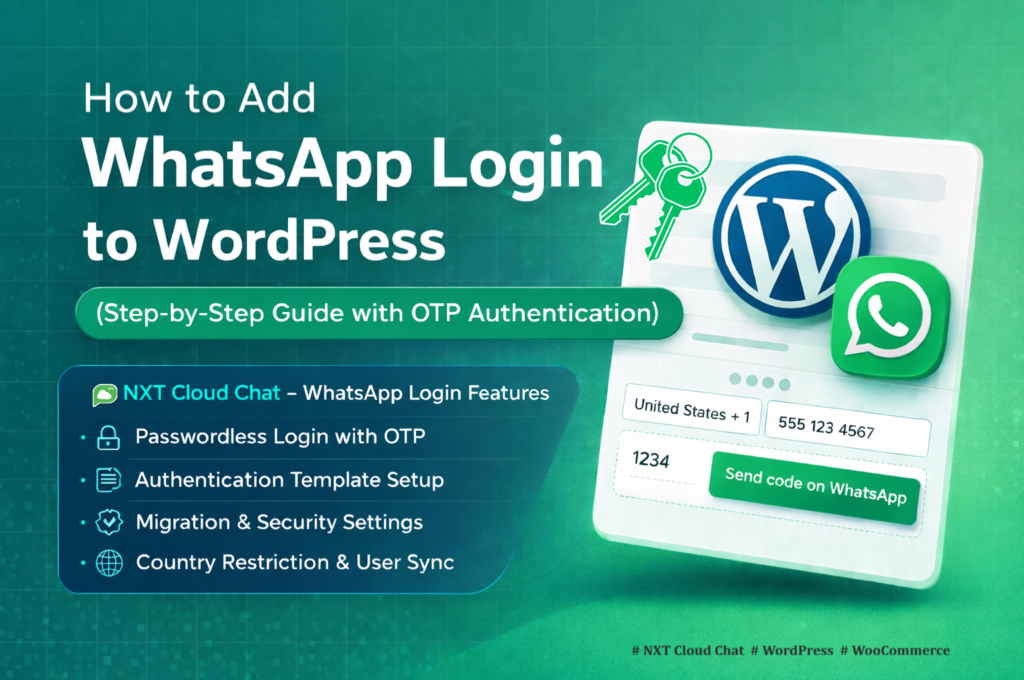
WhatsApp Cloud API pricing for WordPress can feel confusing when you are setting up WhatsApp login, WooCommerce order notifications, broadcasts, abandoned cart recovery, or customer support messages for the first time.
The good news is that the pricing model is easier to understand when you break it into the three business template categories used by most WordPress sites: Authentication, Utility, and Marketing.
In this guide, you will learn how WhatsApp Cloud API pricing works for WordPress, what each message category means, how it applies to NXT Cloud Chat, and how to reduce unnecessary message costs while still giving customers a better experience.
Important: WhatsApp Business Platform rates vary by country, currency, message category, and Meta’s current rate card. This article explains the pricing structure, but you should always verify the final rate on the official WhatsApp Business Platform pricing page before estimating production costs.
What Is WhatsApp Cloud API Pricing?
WhatsApp Cloud API pricing is the cost charged by Meta when your business sends WhatsApp messages through the WhatsApp Business Platform. For WordPress websites, these messages may include login OTPs, order updates, delivery notifications, broadcast campaigns, abandoned cart reminders, and automated workflow messages.
Meta charges based on the message category and the recipient’s market. In simple terms, a message sent to one country may cost differently from the same type of message sent to another country.
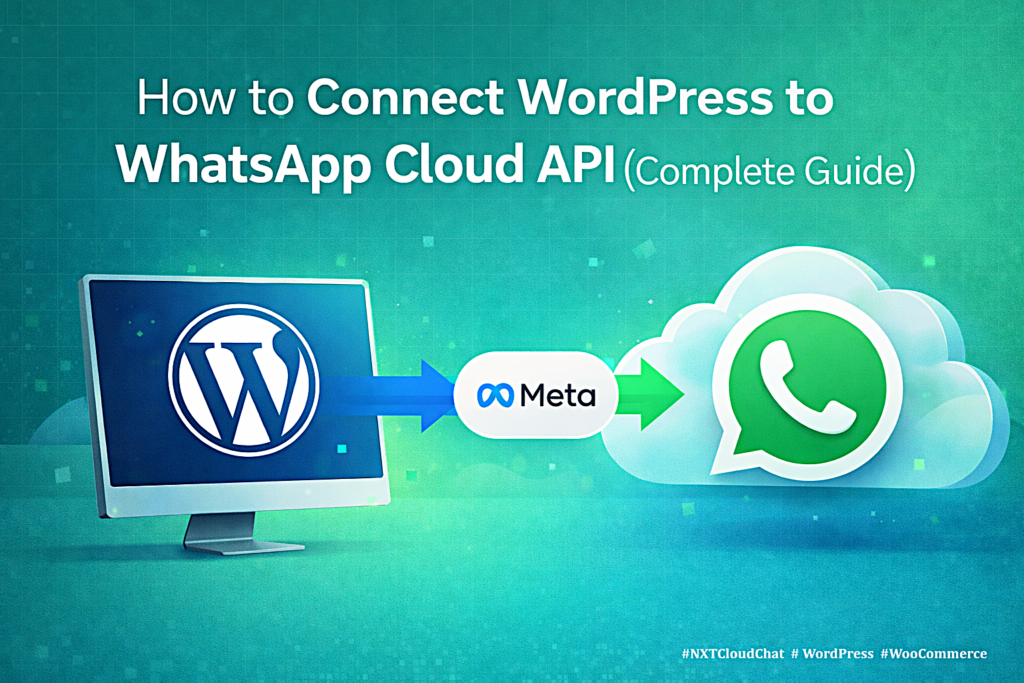
- You connect your WordPress website to the official WhatsApp Cloud API.
- Your plugin sends approved templates or session replies through Meta.
- Meta applies pricing based on message category and recipient market.
- Your final cost depends on message volume, message type, and customer location.
The 3 WhatsApp Message Categories for WordPress
For WordPress and WooCommerce template messaging, the three practical categories you need to understand are:
- Authentication messages
- Utility messages
- Marketing messages
Choosing the correct category matters because it affects template approval, customer trust, automation design, and message cost.
1. Authentication Messages
Authentication messages are used for identity verification. In WordPress, the most common example is WhatsApp OTP login, where a user receives a one-time password on WhatsApp and uses it to sign in.
Authentication templates are usually short, structured, and security-focused. They should not include promotions, coupons, product offers, or marketing language.
- WhatsApp OTP login for WordPress
- WooCommerce account login verification
- Force migration from password login to verified WhatsApp login
- Cash on Delivery customer verification before checkout
- Security checks before protected customer actions
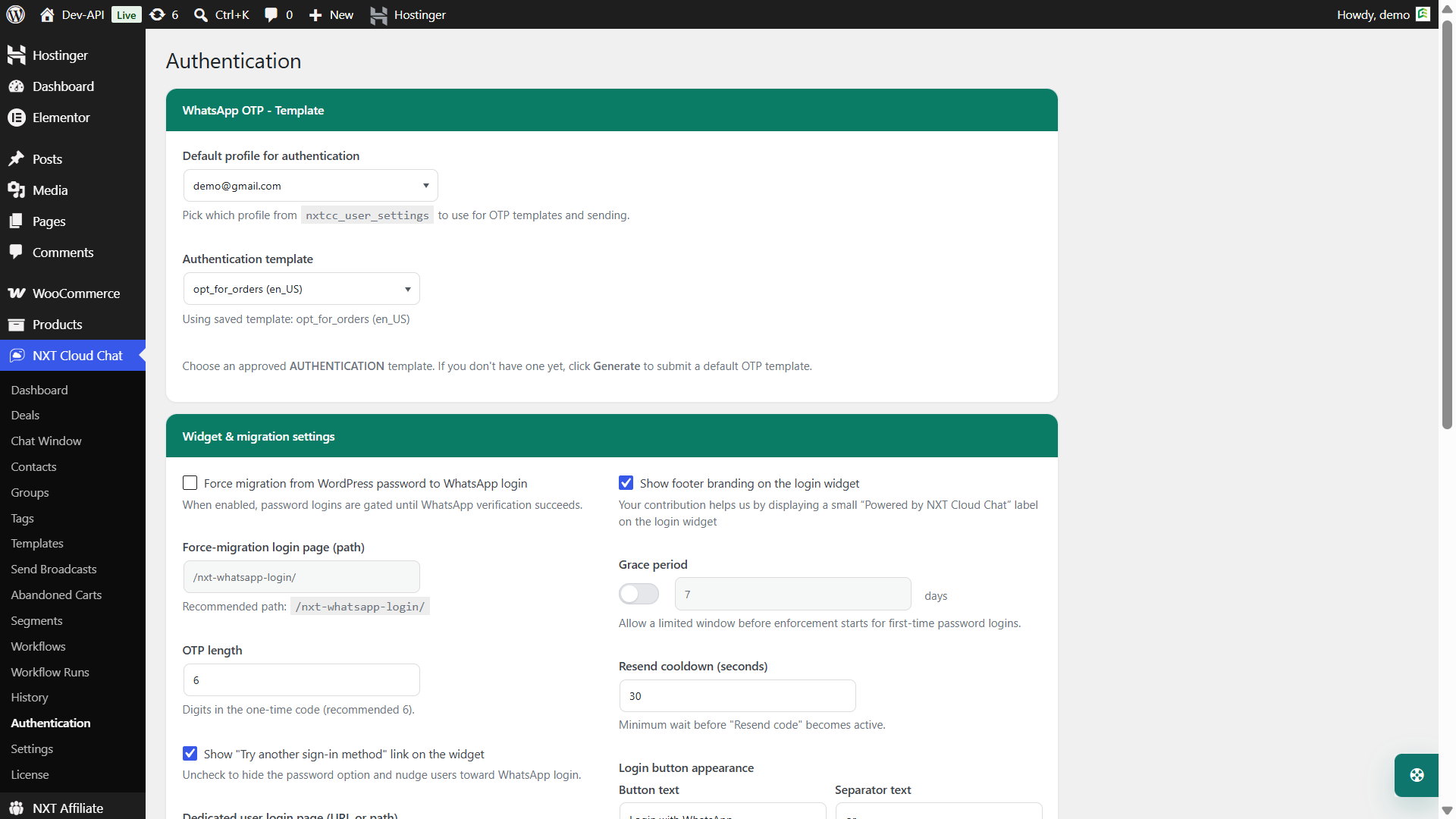
In NXT Cloud Chat, Authentication messages are used for WhatsApp OTP login, WooCommerce My Account login, the dedicated login page, and verification flows that depend on the official WhatsApp Cloud API.
2. Utility Messages
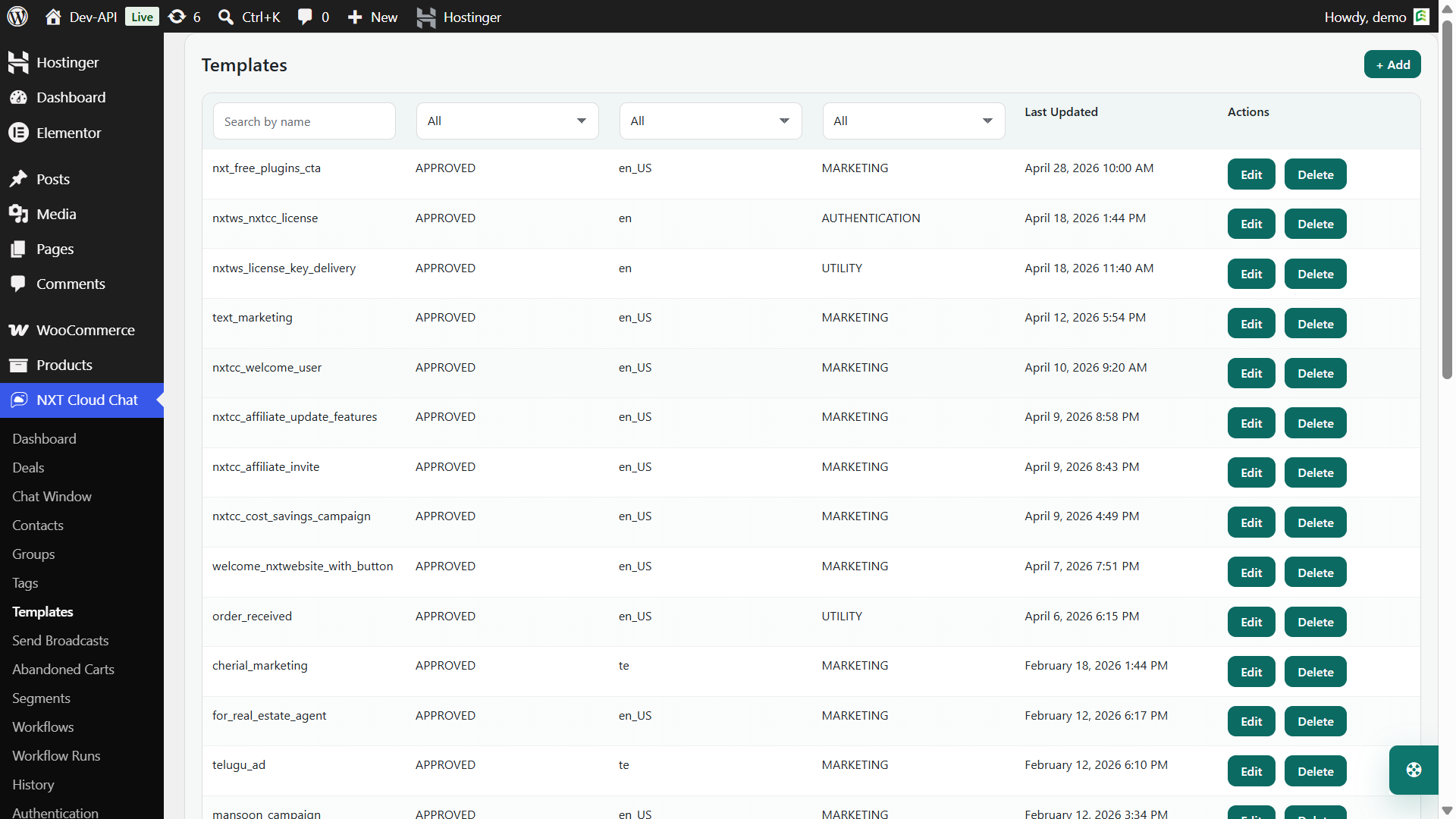
Utility messages are non-promotional messages related to a specific user action, transaction, account event, booking, order, or service update. These messages help customers complete or track something they already requested.
For WooCommerce stores, Utility messages are often the most useful category after Authentication because they support order communication without turning every message into a promotion.
- Order confirmation messages
- Payment status updates
- Shipping and delivery notifications
- Appointment reminders
- License renewal notices
- Ticket or support status updates
With NXT Cloud Chat Pro, you can use Utility templates in workflows for WooCommerce orders, customer communication, ticket updates, license events, and other operational messages.
3. Marketing Messages
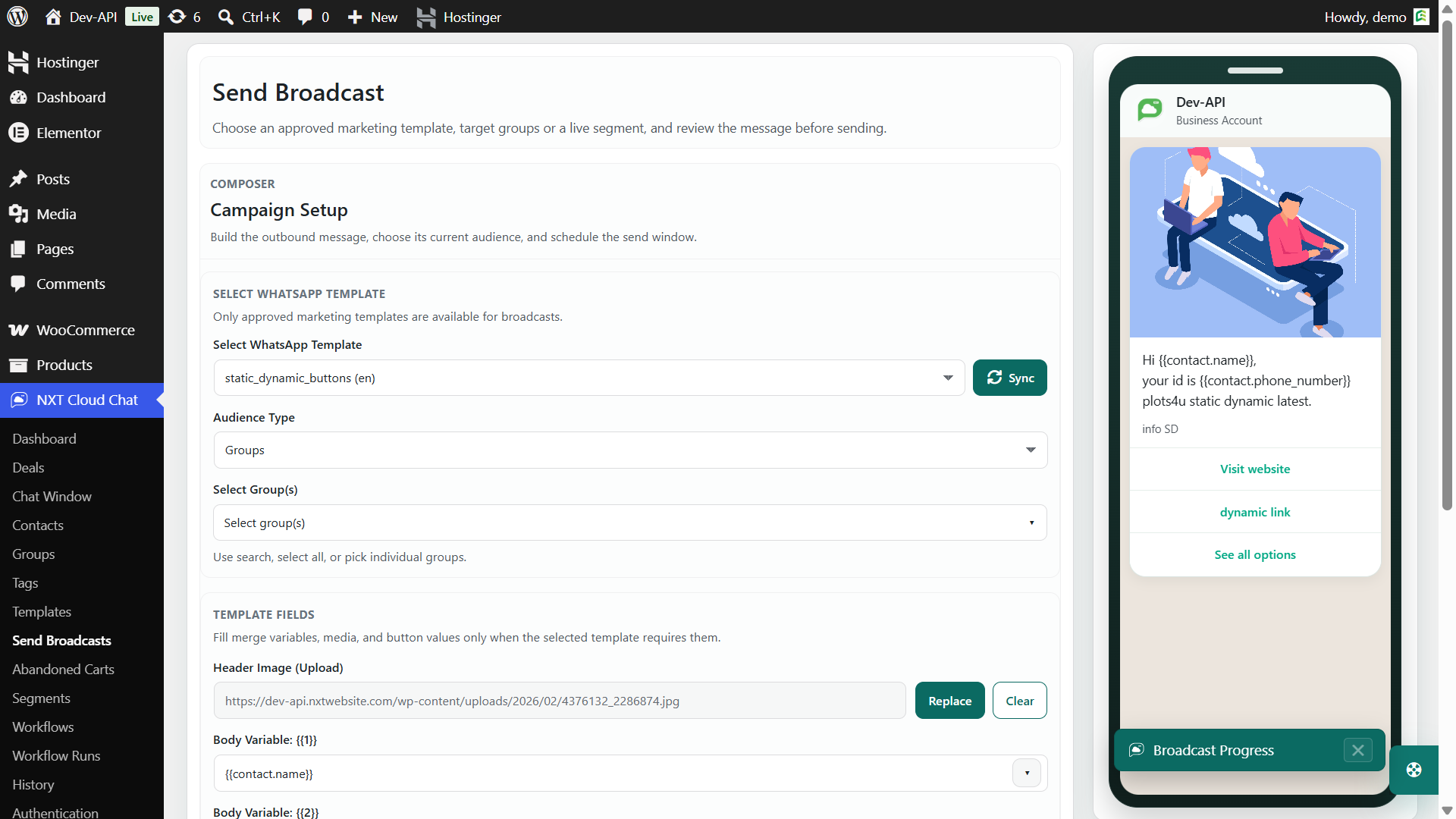
Marketing messages are promotional messages designed to drive awareness, sales, repeat purchases, retargeting, or customer engagement. If the message includes a sale, offer, discount, product recommendation, abandoned cart reminder, upsell, newsletter, or announcement, it usually belongs in the Marketing category.
- Promotional campaigns
- Discount codes and limited-time offers
- Product launch announcements
- Back-in-stock campaigns
- Abandoned cart recovery messages
- Customer reactivation campaigns
Marketing messages can be powerful, but they should be used carefully. Send them only to contacts who have given proper consent, and keep your audience targeted. Better targeting usually means fewer wasted messages and a better customer experience.
Is WhatsApp Cloud API Free?
The WhatsApp Cloud API itself can be connected directly through Meta, but sending business messages through the WhatsApp Business Platform is not always free. Meta charges according to its current pricing model, and rates depend on category and recipient market.
There are also situations where customer-initiated replies may be handled differently from business-initiated templates. For example, if a customer messages your business first, your support team may be able to reply inside the active customer messaging window without sending a paid template. Always check Meta’s current rules for your market and use case.
For planning WordPress costs, assume that template messages for Authentication, Utility, and Marketing may have different prices and should be tracked separately.
How Pricing Applies to NXT Cloud Chat
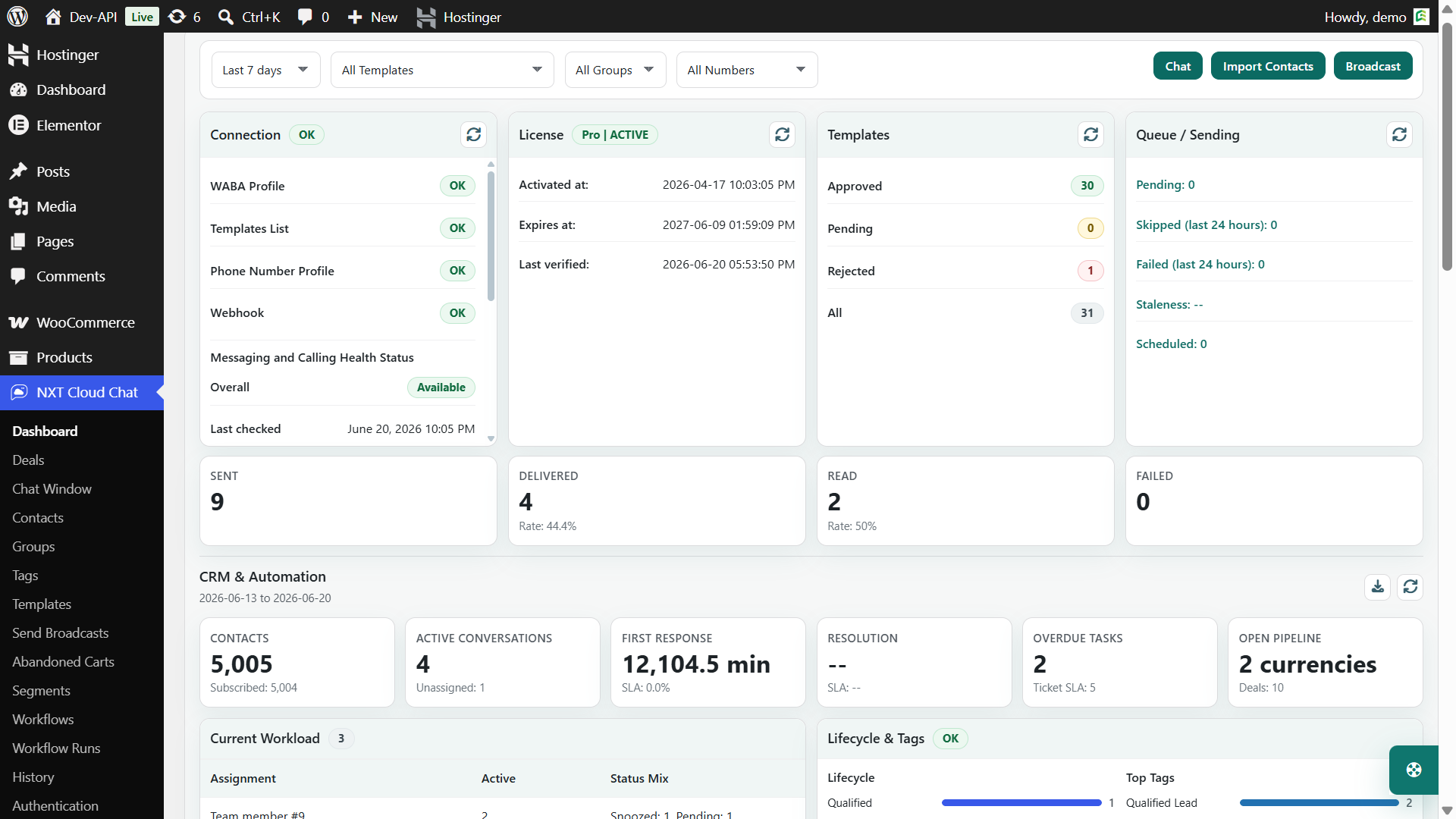
NXT Cloud Chat connects WordPress to your own WhatsApp Cloud API account. The plugin does not replace Meta’s pricing. Instead, it helps you use your official WhatsApp setup from WordPress in a structured way.
- Free plugin: connection setup, CRM inbox, contacts, tickets, groups, tags, WhatsApp OTP login, message history, and core CRM tools.
- Pro add-on: approved templates, broadcasts, workflows, WooCommerce messages, abandoned cart recovery, dynamic segments, automation runs, and analytics.
Your WhatsApp message cost still depends on Meta’s pricing, but NXT Cloud Chat helps you organize when, why, and to whom messages are sent.
Common WordPress Use Cases by Message Category
| Use case | Likely category | Example |
|---|---|---|
| WhatsApp OTP login | Authentication | Login code for WordPress or WooCommerce |
| COD verification | Authentication | Verify customer before accepting Cash on Delivery |
| Order confirmation | Utility | Your order has been received |
| Shipping update | Utility | Your order has been shipped |
| License renewal reminder | Utility | Your license expires soon |
| Abandoned cart reminder | Marketing | You left items in your cart |
| Discount campaign | Marketing | Get 20% off this week |
| Product launch broadcast | Marketing | New product now available |
This table is a practical guide, not a legal or Meta approval guarantee. Meta reviews template content and may classify or reject templates based on the actual message text.
How to Estimate Your WhatsApp Message Cost
To estimate your monthly WhatsApp cost, do not start with one global number. Break your expected usage into categories.
- List each message type you plan to send.
- Assign each message to Authentication, Utility, or Marketing.
- Estimate monthly volume for each message type.
- Group recipients by market or country.
- Check Meta’s official rate card for each market and category.
- Review the total and remove low-value messages before launching.
For example, a WooCommerce store might estimate:
- 2,000 Authentication messages for OTP login
- 3,000 Utility messages for order and delivery updates
- 1,500 Marketing messages for abandoned cart and promotional campaigns
Those three groups should be estimated separately because their rates may not be the same.
How NXT Cloud Chat Helps Control Message Costs
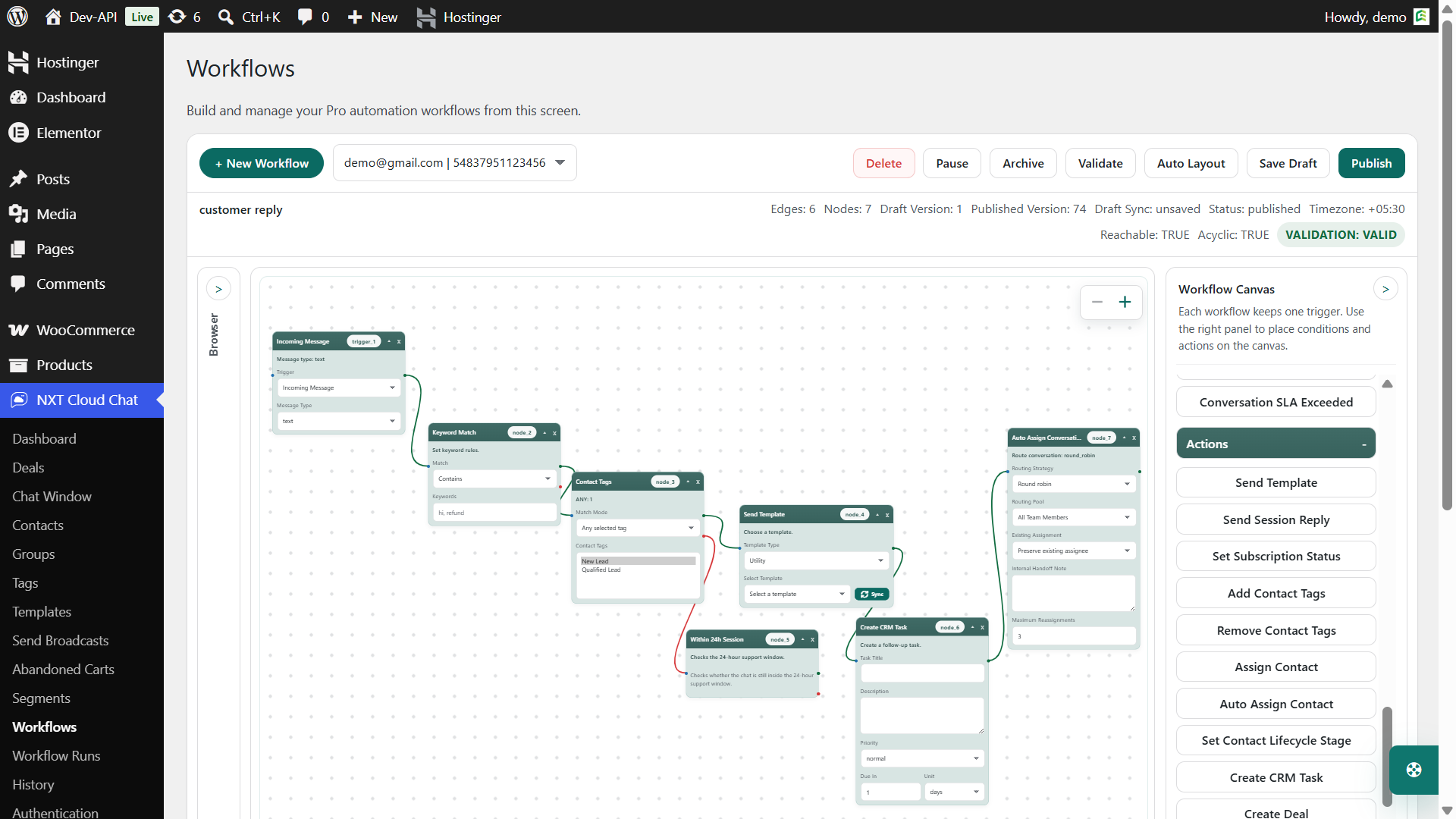
NXT Cloud Chat does not change Meta’s rates, but it gives you tools to avoid unnecessary sends and build better automation rules.
- Subscription status: avoid Marketing sends to unsubscribed contacts.
- Groups and tags: send campaigns to targeted audiences instead of everyone.
- Dynamic segments: target contacts based on behavior, orders, tags, or CRM data.
- Workflow conditions: send only when the customer matches the right context.
- Abandoned cart settings: avoid sending too early, too often, or after recovery.
- Run history: review what was sent, skipped, failed, or completed.
Best Practices to Reduce WhatsApp Cloud API Costs
- Use Authentication only for verification. Do not add promotional text to OTP templates.
- Keep Utility messages transactional. Order, payment, ticket, and delivery updates should stay useful and non-promotional.
- Segment Marketing campaigns. Send promotions to the most relevant contacts instead of the whole database.
- Respect subscription status. Do not send Marketing templates to contacts who opted out.
- Use abandoned cart timing carefully. One well-timed reminder can perform better than many repeated messages.
- Review failed and skipped sends. Clean invalid contacts and improve your audience quality.
- Test templates before scaling. Start with small audiences before sending high-volume campaigns.
Pricing Mistakes to Avoid
- Assuming every WhatsApp message has the same price. Rates vary by category and market.
- Using Marketing templates for transactional updates. Choose the category that matches the real message purpose.
- Sending broadcasts without segmentation. Untargeted campaigns can become expensive and less effective.
- Ignoring opt-outs. Subscription status should be checked before Marketing sends.
- Not checking the official rate card. Pricing can change, and country-level rates matter.
Where to Check Official WhatsApp Pricing
Use the official WhatsApp Business Platform pricing page to check current rates by country, currency, and message category:
View official WhatsApp Business Platform pricing
For setup help, see the NXT Cloud Chat guide:
Final Thoughts
WhatsApp Cloud API pricing becomes much easier when you separate your messages into Authentication, Utility, and Marketing. Authentication supports secure login and verification, Utility supports customer-requested updates, and Marketing supports campaigns, promotions, abandoned carts, and sales growth.
If you use WordPress or WooCommerce, NXT Cloud Chat gives you the tools to connect the official WhatsApp Cloud API, manage OTP login, organize CRM contacts, send approved templates, build workflows, recover abandoned carts, and track message activity from your WordPress dashboard.
Start with a clear message plan, use the correct category, respect customer consent, and check Meta’s official pricing before scaling your WhatsApp automation.
Frequently Asked Questions
What are the WhatsApp message categories for WordPress templates?
For WordPress template messaging, the main categories to understand are Authentication, Utility, and Marketing. Authentication is for OTP and verification, Utility is for transactional updates, and Marketing is for promotions, abandoned carts, offers, and campaigns.
Is WhatsApp Cloud API free for WordPress?
You can connect WordPress to the official WhatsApp Cloud API, but business messages may be charged by Meta based on message category and recipient market. Always check the official WhatsApp Business Platform pricing page for current rates.
Which category is WhatsApp OTP login?
WhatsApp OTP login is an Authentication message because it is used to verify a user’s identity with a one-time password.
Which category should WooCommerce order updates use?
WooCommerce order confirmations, payment updates, shipping notices, and delivery updates usually fit the Utility category because they are transactional and related to a customer action.
Which category is abandoned cart recovery?
Abandoned cart recovery usually belongs in the Marketing category because it encourages the customer to return and complete a purchase.
Does NXT Cloud Chat change Meta’s WhatsApp pricing?
No. NXT Cloud Chat connects WordPress to your official WhatsApp Cloud API account and helps manage messaging, templates, workflows, and CRM data. Meta’s WhatsApp Business Platform pricing still applies.
How can I reduce WhatsApp message costs?
Use the correct message category, segment Marketing campaigns, respect subscription status, avoid duplicate automation, use abandoned cart timing carefully, and review failed or skipped sends to improve audience quality.
Where can I check the current WhatsApp Cloud API rates?
Check the official WhatsApp Business Platform pricing page from Meta. Rates can vary by market, currency, and message category, so do not rely on old screenshots or fixed numbers from outdated blog posts.