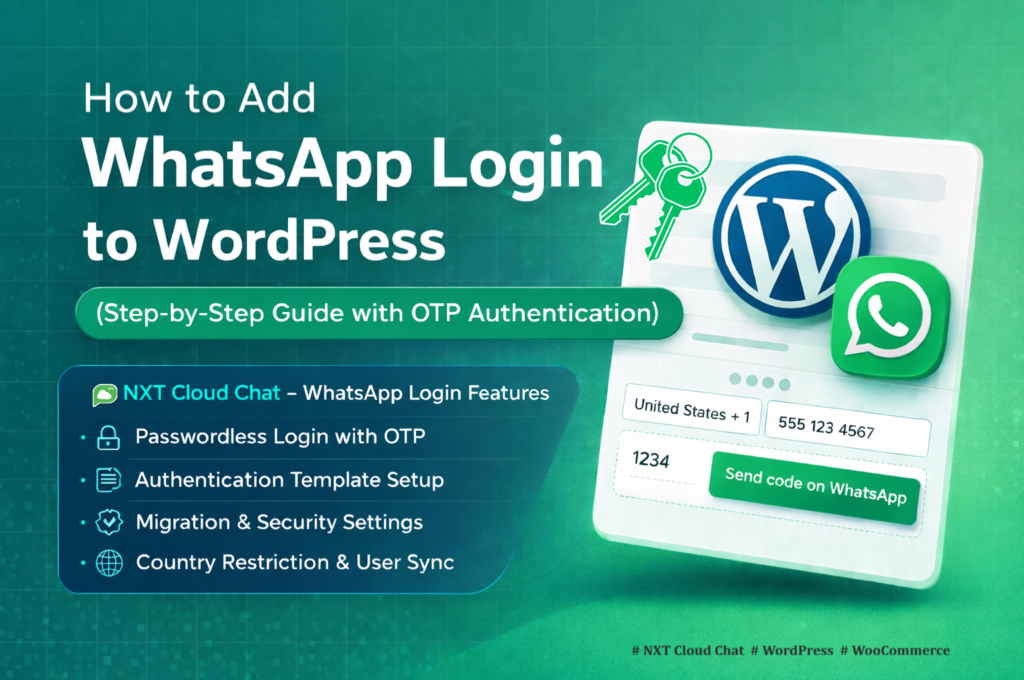
WhatsApp OTP login vs email OTP for WordPress is an important decision if your website depends on fast, reliable customer verification. Both methods can work, but they do not create the same user experience.
Email OTP is familiar and easy to understand. WhatsApp OTP is faster for many mobile-first customers, especially in ecommerce markets where buyers already use WhatsApp every day. The best choice depends on your audience, checkout flow, security expectations, and how much friction you can afford during login.
In this guide, you will learn the difference between WhatsApp OTP and email OTP, where each method is useful, and why NXT Cloud Chat is a strong option for WordPress and WooCommerce stores that want official WhatsApp Cloud API login while still keeping other sign-in methods available.
What Is OTP Login?
OTP means one-time password. Instead of asking the user to remember a password, your website sends a short verification code to the user’s email address, phone number, or WhatsApp account. The user enters the code, and the website confirms that the user controls that contact method.
- Email OTP sends the code to the user’s email inbox.
- WhatsApp OTP sends the code through WhatsApp using an approved Authentication template.
- Passwordless login can reduce forgotten-password friction.
- OTP verification can help confirm that a contact method is reachable.
WhatsApp OTP vs Email OTP: Quick Comparison
| Factor | WhatsApp OTP | Email OTP |
|---|---|---|
| Best for | Mobile-first users, WooCommerce checkout, COD verification, fast login | General account access, backup verification, users without WhatsApp |
| User attention | Often high because WhatsApp is checked frequently | Depends on inbox habits and spam filtering |
| Delivery channel | Official WhatsApp Cloud API Authentication template | WordPress email or SMTP service |
| Common friction | User must have WhatsApp access to the number | Email may land in spam or be delayed |
| WooCommerce fit | Strong for mobile login, My Account, and COD customer verification | Useful as a fallback or traditional login method |
| Can work with other login methods | Yes, it can be offered as an additional WhatsApp login option | Yes, it can remain as email, password, or account recovery flow |
Where WhatsApp OTP Is Better
1. Mobile-First WooCommerce Stores
If most customers browse and buy from mobile phones, WhatsApp OTP can feel natural. The customer receives the code in an app they already use, enters it, and continues without searching an email inbox.
2. Cash on Delivery Verification
COD orders are risky when the customer phone number is fake, unreachable, or mistyped. WhatsApp OTP can help confirm that the customer can receive messages on the number used for checkout. NXT Cloud Chat can require verified login for WooCommerce COD orders, helping stores reduce avoidable fake or low-intent COD orders.
3. Faster Login for Returning Customers
Password reset flows create friction. WhatsApp OTP can make returning login easier because the customer does not need to remember a password or open an email app.
4. Better Reach for WhatsApp-Heavy Markets
In many markets, customers respond to WhatsApp faster than email. If your audience already uses WhatsApp for business communication, login OTP through WhatsApp can feel more direct.
Where Email OTP Still Makes Sense
Email OTP is not outdated. It still works well when email is the primary customer identity, when the website serves desktop-heavy users, or when customers may not use WhatsApp.
- Email is useful as a fallback sign-in method.
- Some B2B users prefer email-based account access.
- Email may be better for long account notices, invoices, and receipts.
- Some customers may not want to use WhatsApp for login.
The strongest setup is often not WhatsApp or email in isolation. It is a login experience that supports your main customer behavior while keeping a sensible fallback method.
Can WhatsApp Login Work with Other Login Methods?
Yes. WhatsApp OTP does not have to replace every other login method on your WordPress site. With NXT Cloud Chat, store owners can offer WhatsApp login while still keeping another sign-in path available when needed.
For example, your site may use WhatsApp OTP as the preferred fast login method, while still allowing users to choose another method such as WordPress email/password login, email-based account access, password reset, or a third-party authentication plugin such as Google login.
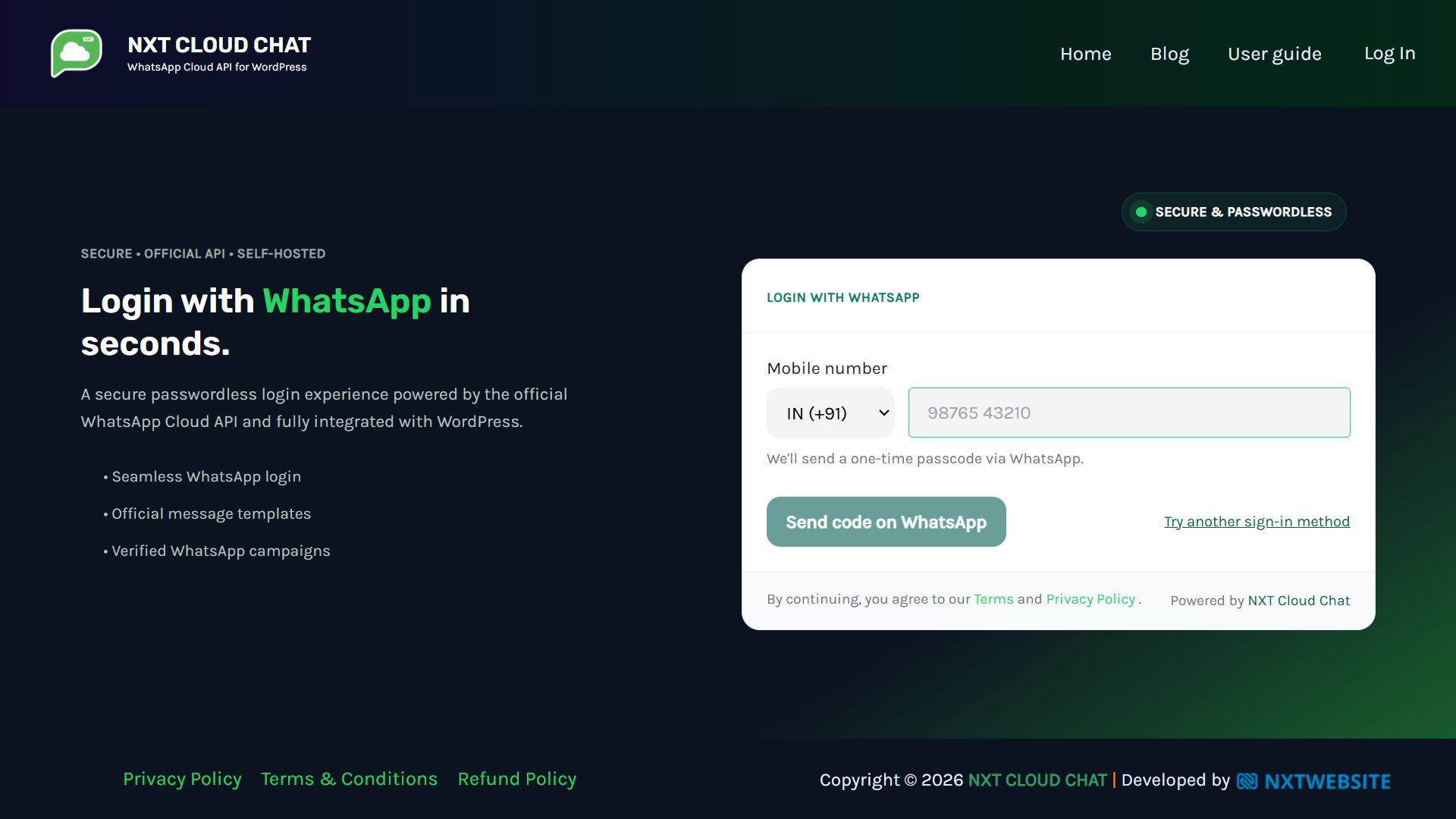
NXT Cloud Chat includes a Try another sign-in method option in the login experience. When enabled, it gives customers a way to use a fallback path instead of forcing every user through WhatsApp only.
This is important because not every customer uses WhatsApp the same way. Some customers prefer email login. Some business users may use Google authentication. Some users may need password recovery. A flexible login strategy lets WhatsApp OTP improve speed without blocking legitimate customers who need another path.
How NXT Cloud Chat Handles WhatsApp OTP Login
NXT Cloud Chat connects WordPress to the official WhatsApp Cloud API and provides WhatsApp OTP login features for WordPress and WooCommerce. It can add login buttons, support passwordless access, and help verify users during important flows such as WooCommerce My Account login or COD checkout.
- WhatsApp OTP login for WordPress users.
- WooCommerce My Account login support.
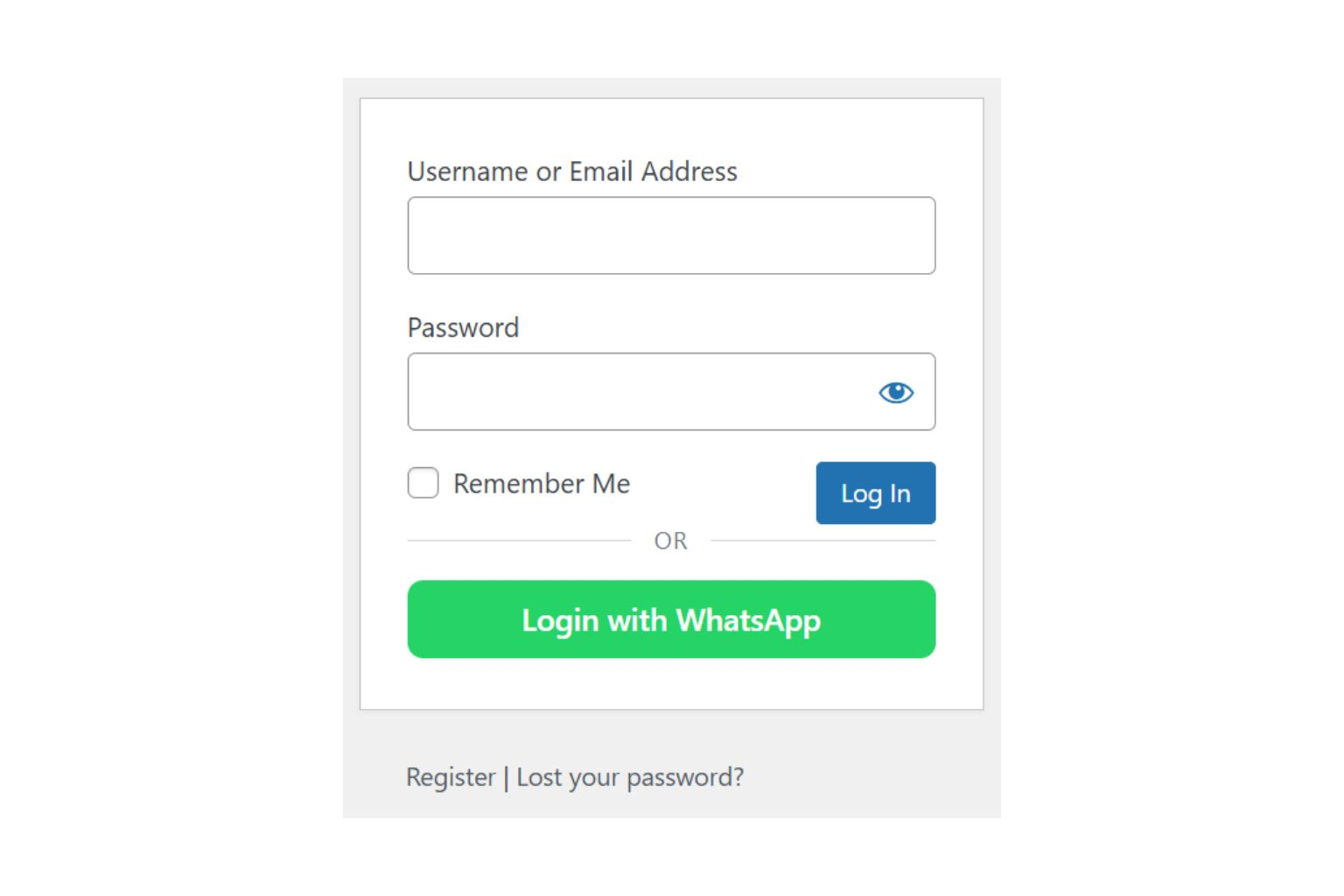
- Optional WhatsApp login buttons on supported login screens.
- Optional Try another sign-in method link for fallback login paths.
- Works alongside existing WordPress login behavior and compatible third-party authentication plugins, depending on your site setup.
- Require verified login for WooCommerce COD orders.
- Contact and CRM data stays inside WordPress.
Security and User Experience Considerations
OTP login should be designed carefully. It should reduce friction without weakening the user experience or creating unnecessary risk.
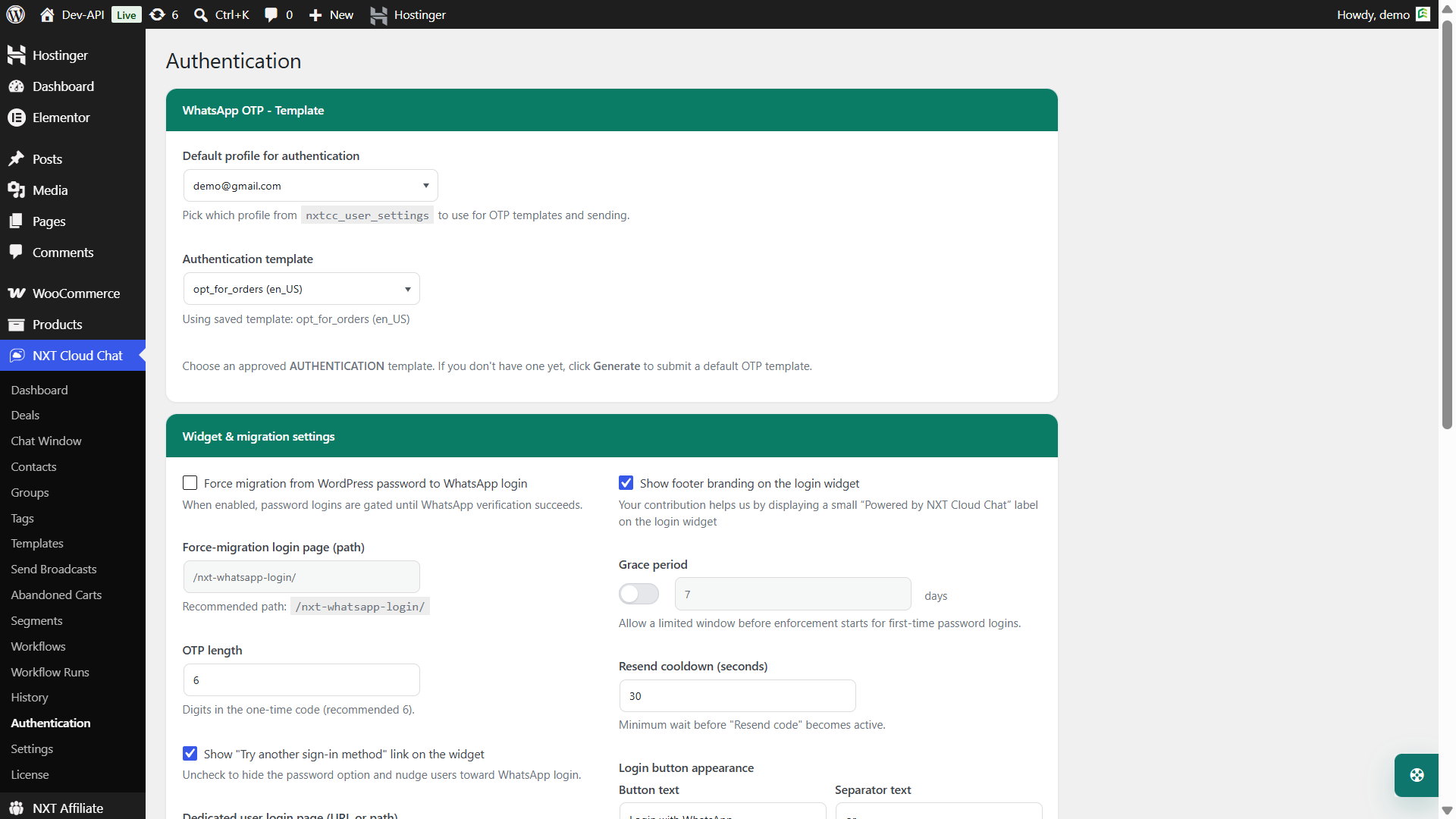
- Use official WhatsApp Cloud API authentication templates.
- Keep OTP messages short and purpose-specific.
- Set reasonable OTP expiry times.
- Avoid using authentication messages for promotions.
- Provide another sign-in method where appropriate.
- Do not treat OTP verification as a guarantee that every order is legitimate.
Which One Should You Choose?
Choose WhatsApp OTP if your customers are mobile-first, your WooCommerce store depends on phone reachability, or you want a faster login experience than email. Choose email OTP if your customers are email-first, desktop-heavy, or need a traditional fallback method. If your website already uses Google login or another authentication plugin, treat WhatsApp OTP as an additional verified login option rather than a forced replacement.
For many WordPress and WooCommerce websites, the best answer is to make WhatsApp OTP the preferred fast login method while keeping another sign-in method available for customers who need it.
Why NXT Cloud Chat Is a Strong Choice
NXT Cloud Chat is built for WordPress site owners who want WhatsApp connection, login, CRM, inbox, contacts, and WooCommerce communication in the WordPress admin area. Instead of using a disconnected external login tool, your WhatsApp login experience can become part of the same customer communication system.
If your store wants faster login, better COD verification signals, and official WhatsApp Cloud API integration, NXT Cloud Chat is a practical place to start.
Frequently Asked Questions
Is WhatsApp OTP better than email OTP?
WhatsApp OTP is often better for mobile-first users and WooCommerce checkout flows. Email OTP is still useful as a fallback or for email-first customers.
Can I use WhatsApp OTP for WooCommerce login?
Yes. NXT Cloud Chat supports WhatsApp OTP login for WordPress and WooCommerce My Account pages.
Can WhatsApp OTP reduce COD RTO?
It can help reduce avoidable COD risk by confirming that the customer can receive WhatsApp OTP on the phone number used for checkout. It does not guarantee delivery, but it improves the verification signal.
Does WhatsApp OTP need an approved template?
Yes. WhatsApp OTP messages should use approved Authentication templates through the official WhatsApp Business Platform.
Can NXT Cloud Chat work with Google login or other authentication plugins?
Yes, NXT Cloud Chat can be used as an additional WhatsApp OTP login option alongside existing WordPress login methods and compatible third-party authentication plugins such as Google login. The final experience depends on your theme, login page, and authentication plugin setup.
Should I remove email login completely?
Not always. Many stores should keep another sign-in method available while making WhatsApp OTP the preferred fast login option.